# Create a Data Disk from Snapshot

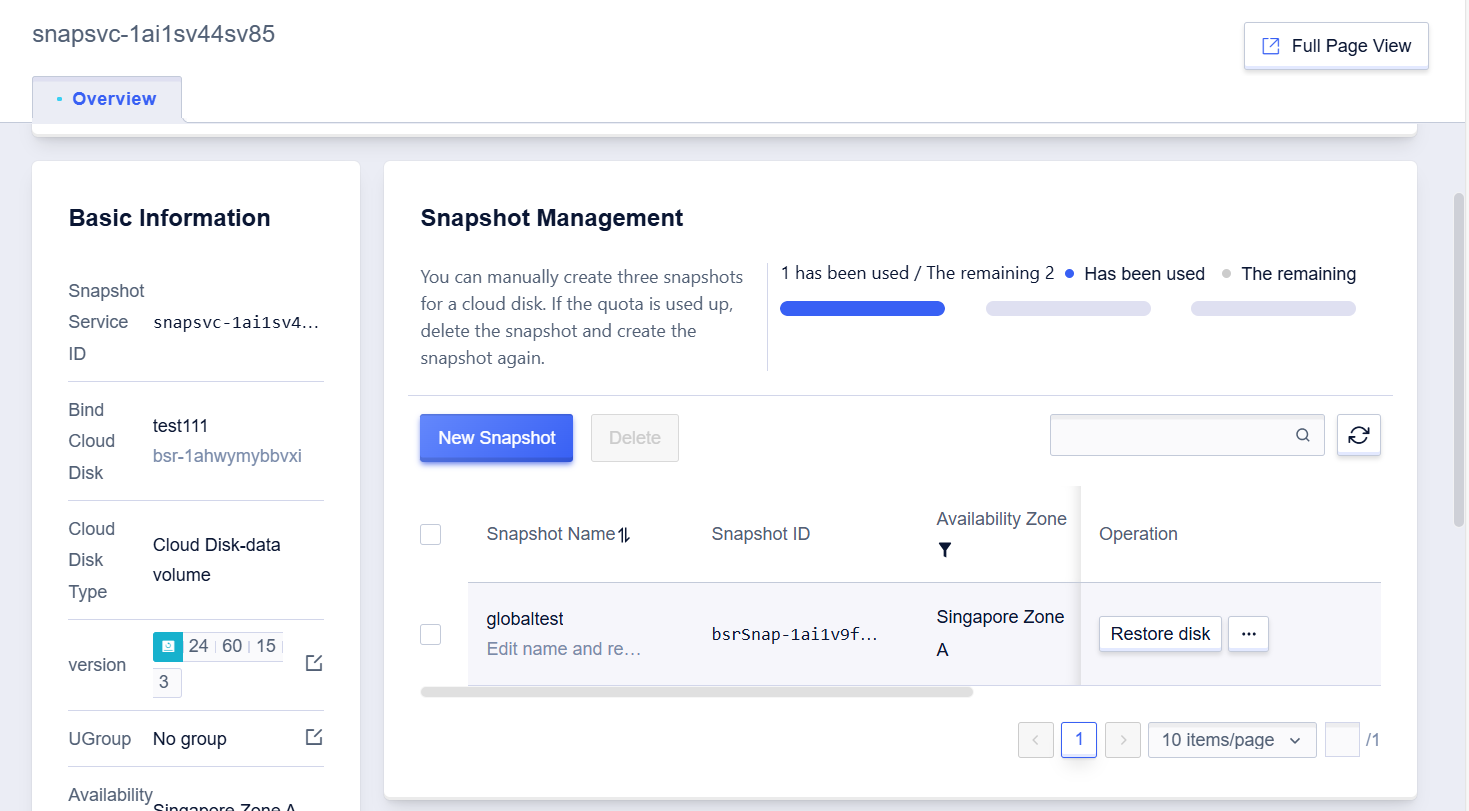
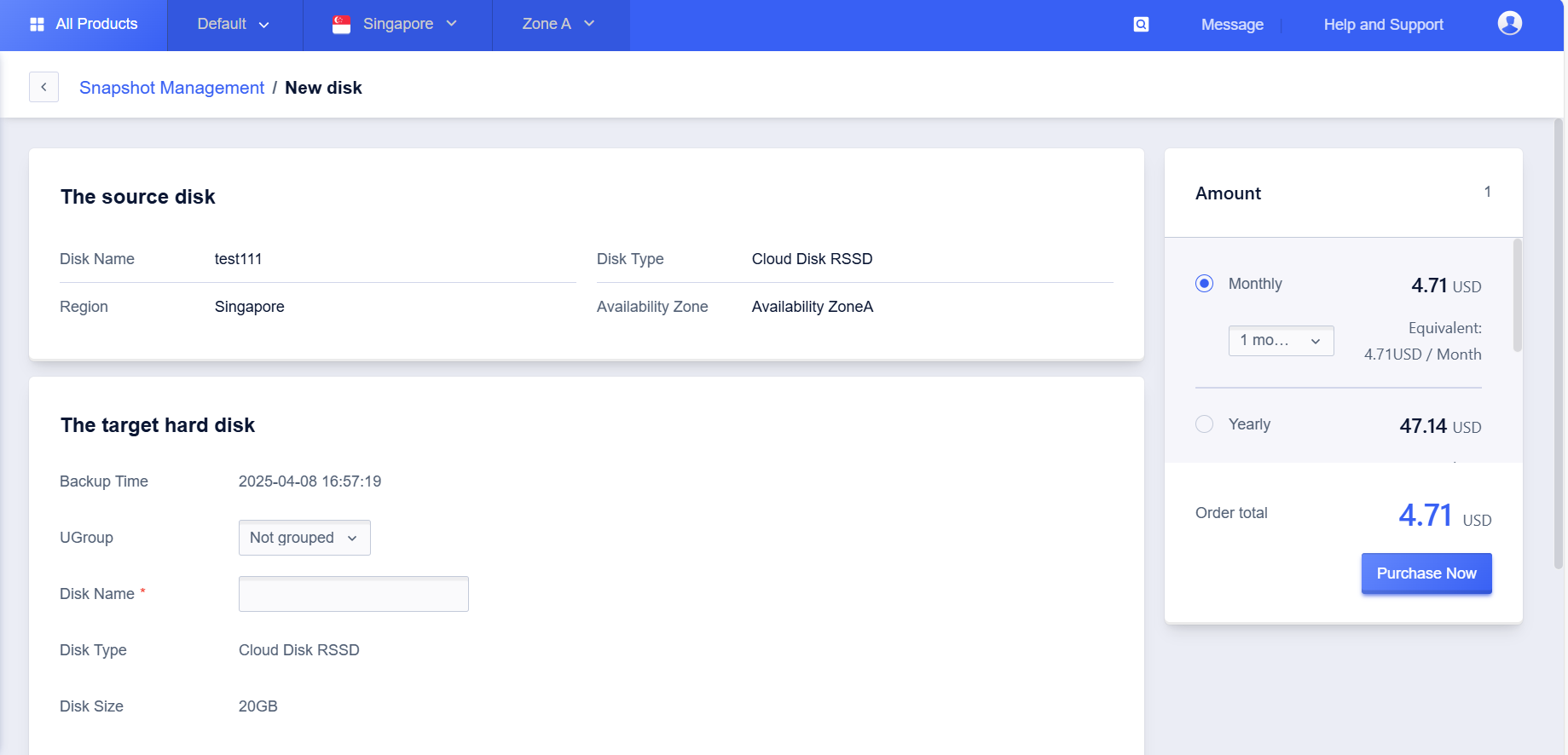
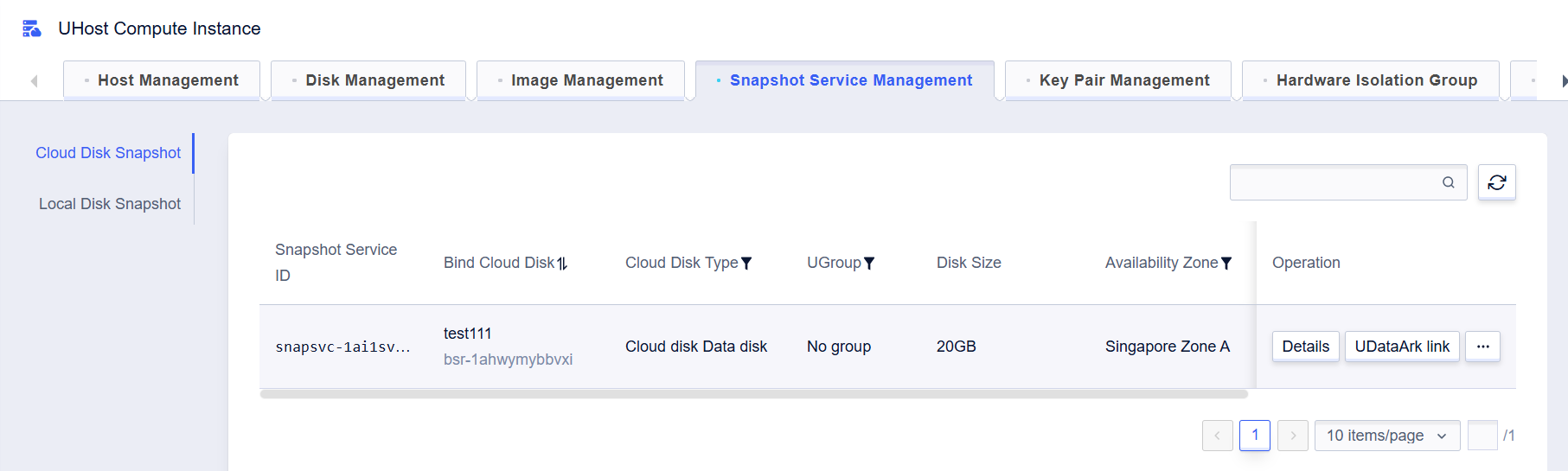
* Within the Snapshot Service Management tab, after entering the details, click the "New Disk" button.
<!-- image-todo -->  
![img](https://cdn.udelivrs.com/2025/04/ea00d2c79241e54e23ba6fb4d09c6e1a_1744263781323.png)<br>
<!-- image-todo -->  
![img](https://cdn.udelivrs.com/2025/04/a969b81de1f79d431735621c1aea4765_1744263781326.png)<br>
<!-- image-todo -->  
![img](https://cdn.udelivrs.com/2025/04/21d4e270211abd1fcb6176d3fbdb480b_1744263781329.png)<br>
    
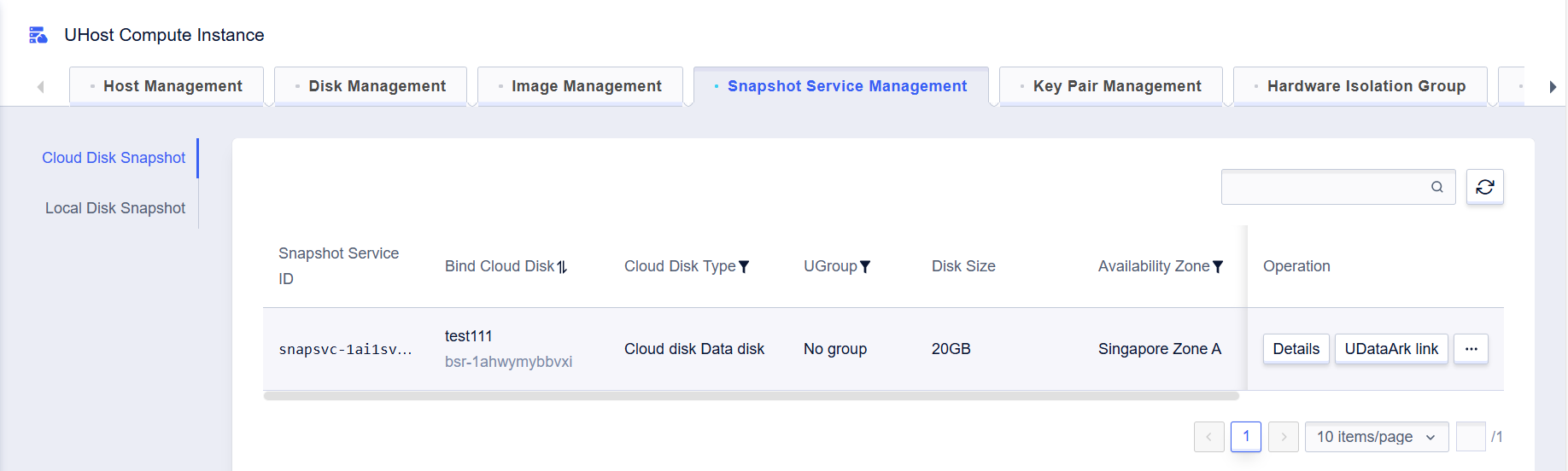
* Select Host Management / Disk Management tab to view disk information.  
  
<!-- image-todo -->
![img](https://cdn.udelivrs.com/2025/04/6991deed602fa5b2100a8957c3d4ded0_1744263781331.png)<br>